
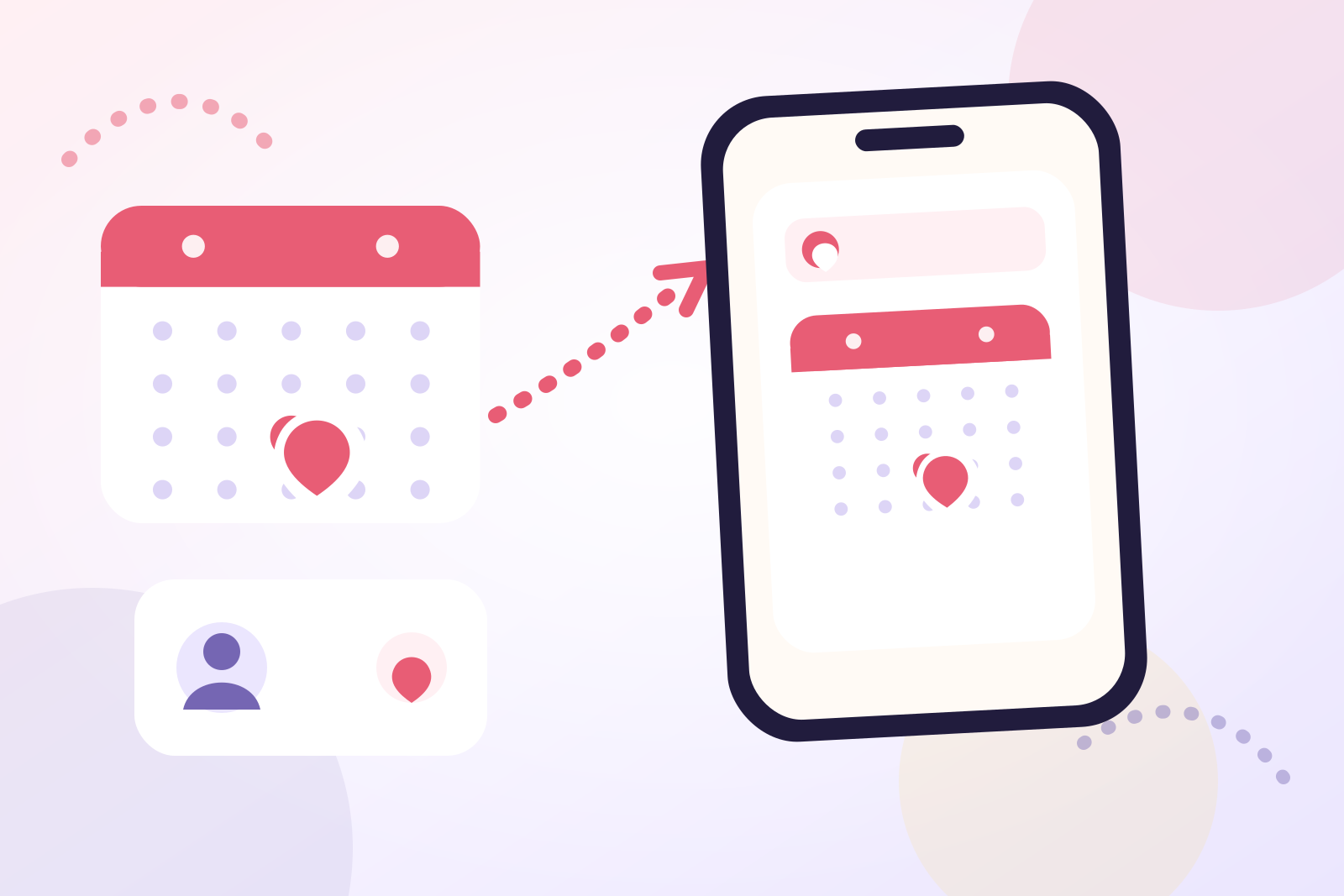
To replace Facebook birthday notifications safely, migrate in this order: capture the dates, verify them, configure a new reminder system, test it, and only then change Facebook's notification settings.
Do not begin by turning alerts off. Facebook may still be the only place where some dates are recorded, and a friend's birthday can disappear from view if they change its audience. Build the replacement before removing the old prompt.
Decide what the replacement must do
A complete replacement has three jobs:
- Store the correct date somewhere you can maintain.
- Notify you early enough for the action you intend to take.
- Show upcoming birthdays without requiring a social feed.
Apple Contacts and Calendar can cover basic annual visibility. Reminders can hold dated actions such as “post Maya's card.” A dedicated birthday app can keep dates, individual reminder schedules, countdowns, notes, and widgets together.
Choose one primary home for the dates. Maintaining separate versions in Facebook, Contacts, and a handwritten list creates conflicts later.
Capture birthdays before changing Facebook
On desktop, Facebook currently documents this route:
- Open your Facebook Feed.
- Select Friends from the left menu.
- Select Birthdays.
- Review today's, recent, and upcoming birthdays.
Interface labels may differ by device or account, so use Facebook's search or Help Center if the Birthdays option is not visible.
Copy only dates you have a reason to remember. A small migration table is enough:
| Person | Month and day | Confidence | Intended action |
|---|---|---|---|
| Maya | 18 September | Confirmed | Post a card |
| Daniel | 4 November | Check directly | Call |
| Priya | 12 January | Confirmed | Arrange dinner |
The confidence column matters. Facebook confirms that friends do not receive a birthday notification when someone chooses not to share the day and month. A missing birthday may therefore reflect a privacy choice, not a technical failure.
Do not reconstruct a hidden date from old posts or other indirect clues. Ask the person if remembering it is appropriate.
Do not plan around a bulk Facebook export
Facebook's Help Center describes tools for accessing and exporting information associated with your account. Its current birthday guidance separately tells you how to view friends' birthdays.
Neither official page documents a supported bulk export that produces a clean list of friends' birthdays. That is why manual selection and verification remain the cautious migration route.
Avoid giving an unknown browser extension or service access to your Facebook account merely to save time. For a short list of important people, copying the dates yourself is easier to audit and correct.
Choose the right destination
Use the simplest option that meets your needs:
| Destination | Best use | Important limitation |
|---|---|---|
| iPhone Contacts and Calendar | Built-in birthday display and one default birthday alert setting | The alert is a category-wide default rather than a documented per-person schedule |
| Apple Reminders | Dated actions written in your own words | Tasks and birthday records can become separate items to maintain |
| Birthday Reminder | Selected contact import, flexible schedules, countdowns, notes, and widgets | Requires an initial review and setup |
For the complete Apple route, including calendar visibility and notification permissions, follow how to add birthdays to iPhone Calendar. This article concentrates on the Facebook handover rather than duplicating that setup guide.
If you want an ongoing system that does not depend on any social platform, see how to remember birthdays without social media.
Move the dates in small batches
Migrate five to ten people at a time. After each batch, compare the new list with your capture sheet before continuing.
Using iPhone Contacts and Calendar
For each person:
- Open their card in Contacts.
- Tap Edit and add or correct the birthday.
- Tap Done.
- Open Calendar and make sure the Birthdays calendar is selected.
- Go to Settings > Apps > Calendar > Default Alert Times > Birthdays and choose an alert option.
Apple documents Birthdays as a separate default-alert category from regular events and all-day events. Calendar notification permission must also be enabled for the alert to appear.
Using Birthday Reminder
If the dates already exist in Contacts, choose Import from Contacts, review the birthdays found, and select only the people you want. If a person is not in Contacts, add the birthday manually.
Birthday Reminder does not need a Facebook connection for this process. Its supported migration routes are selected contact import and manual entry, so you remain in control of which records are added.
Set a reminder schedule that matches the intended action. A same-day message needs little notice, while a card, reservation, or delivery needs an earlier prompt. The birthday reminder timing guide provides practical lead-time ranges.
Test the replacement before relying on it
A visible date and a working notification are separate checks.
Before changing Facebook:
- Compare the next five birthdays in the old and new lists.
- Confirm each name and date.
- Check that notifications are allowed for Calendar, Reminders, or Birthday Reminder.
- Create a temporary test entry with a near-term alert.
- Wait for the notification, then remove the test entry.
- Inspect any widget or upcoming view you intend to use.
If the test fails, fix notification permission, alert timing, or the saved date first. Keep Facebook and the new system running in parallel until you trust the replacement.
Reduce Facebook birthday notifications last
Once the new system passes its test, open Facebook and go to Settings & privacy > Settings > Notifications. Facebook's Help Center confirms that this area controls what you are notified about and how notifications are delivered.
Open the Birthdays category if it appears for your account, then adjust the available Facebook, push, email, or SMS options. Facebook notes that notifications as a whole cannot be disabled entirely, but individual topics and delivery methods can be adjusted.
Your own birthday visibility is a separate setting. Facebook places its audience control under your profile's About > Contact and basic information section. Changing who can see your birthday affects whether eligible friends receive a notification about you; it does not configure the reminders you receive for them.
Use this migration checklist
Before considering the move complete, confirm that you have:
- Selected the people you genuinely want to remember.
- Marked uncertain dates instead of guessing.
- Saved each confirmed date in one primary system.
- Compared the next five birthdays with Facebook.
- Enabled notification permission.
- Tested a near-term alert.
- Chosen useful preparation times.
- Reduced Facebook prompts only after testing.
Keep the capture sheet until several real birthdays have passed successfully. Then store it securely as a backup or remove it if it is no longer needed.
Frequently asked questions
Can I export all my Facebook friends' birthdays?
Facebook's current official help pages do not document a supported bulk friends' birthday export. They document viewing birthdays and exporting information associated with your account. Copy the dates you need and verify uncertain entries.
Will changing Facebook notifications delete any birthdays?
Changing notification preferences controls delivery, not the records you have already added to Contacts, Calendar, Reminders, or Birthday Reminder. Verify your replacement before changing the old alerts.
Do I need to delete Facebook?
No. Replacing Facebook birthday notifications only changes which system you depend on for dates and alerts. You can continue using Facebook for other purposes.
What if I do not know the birth year?
Do not guess it. Record the confirmed month and day for your migration, then use whatever year-optional behavior your chosen destination supports. Ask the person if a year is genuinely necessary.
Why did a birthday disappear from Facebook?
The person may have changed the audience for their birthday. Facebook states that friends do not receive an upcoming-birthday notification when the day and month are not shared. Ask directly rather than treating the missing date as an error.
Is iPhone Calendar enough to replace Facebook?
It is enough when you want birthdays from Contacts displayed in Calendar with a shared default birthday alert. Use action reminders or a dedicated app when different people need different preparation schedules.
A careful migration is more reliable than an abrupt switch. Capture the dates, verify them, test the new alerts, and then retire the Facebook prompts you no longer need.
Visit the Birthday Reminder app page to review its countdowns, flexible reminders, contact import, notes, widgets, and account-free setup. You can also browse all Birthday Reminder guides or read our editorial policy.



