
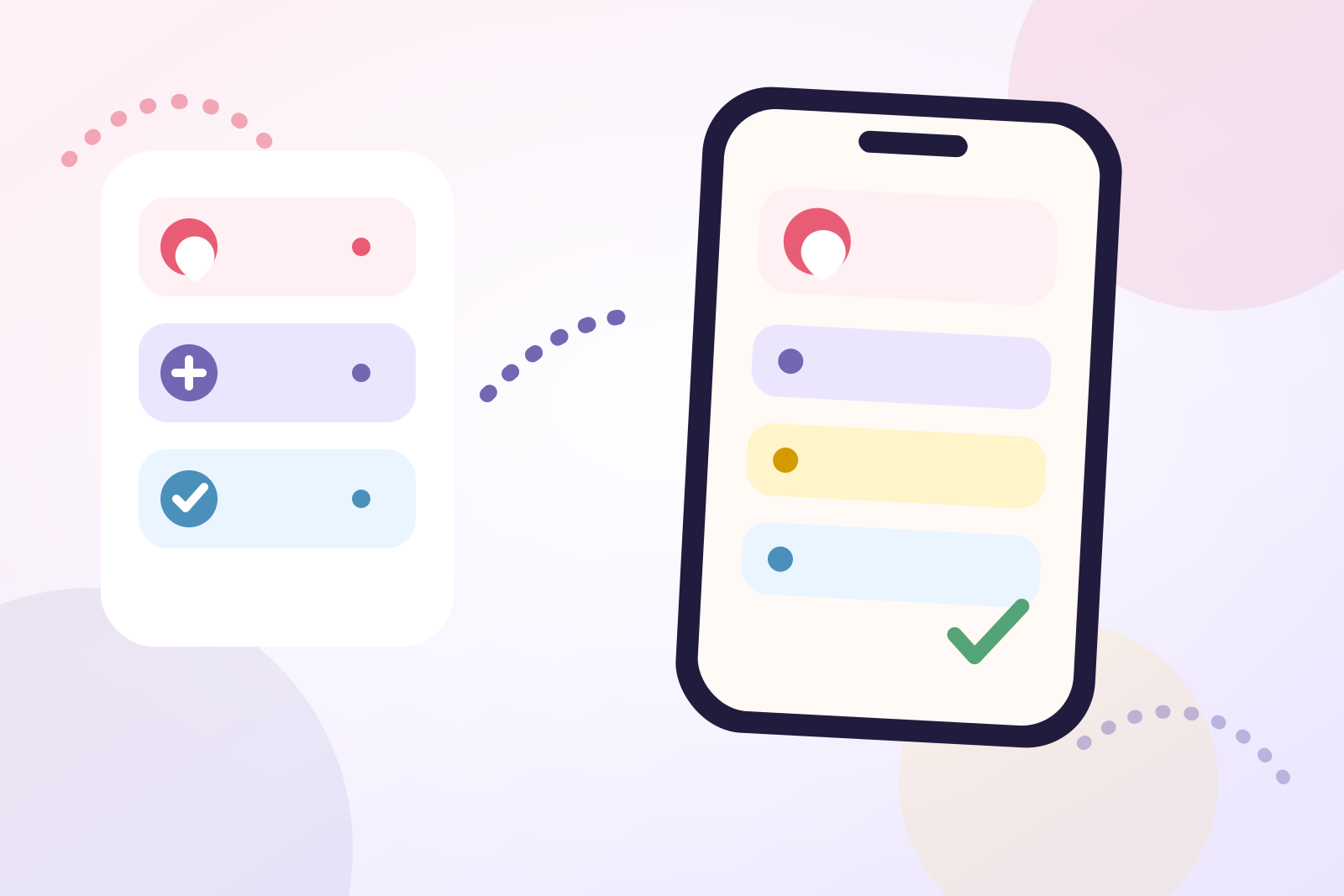
In a birthday calendar alerts vs reminders comparison, the useful difference is the job each alert performs. A calendar alert keeps the date visible. A preparation reminder prompts an action while there is still time to complete it.
If a birthday needs only a message or short call, the calendar alert may be enough. If it involves a card, gift, reservation, delivery, or trip, add a separate reminder tied to that work.
Quick verdict
Use only a calendar alert when:
- the birthday needs no advance preparation
- one standard alert time works for the people on that calendar
- you want the lowest-maintenance setup
Add a preparation reminder when:
- something must happen before the birthday
- different people require different amounts of notice
- the alert should name an action rather than repeat the date
The goal is not always to have two notifications. It is to have one notification for each genuinely different job.
The two alerts do different jobs
“Calendar alert” and “preparation reminder” describe roles, not necessarily different apps.
A calendar alert answers:
Whose birthday is approaching or happening today?
A preparation reminder answers:
What must I do now so the birthday does not become a last-minute problem?
Both alerts could technically live in Calendar. The preparation item could instead live in a task app or dedicated birthday app. What matters is its timing and wording.
This article therefore does not rank calendars against reminder apps as complete systems. The broader birthday calendar vs reminder app comparison covers that decision.
How a calendar alert gets its timing
Calendar behavior depends on how the birthday was created.
On iPhone, Apple provides this path:
Settings > Apps > Calendar > Default Alert Times > Birthdays
Apple presents Birthdays as one category, alongside Events and All-Day Events. You choose an option for that category. The documented setting does not provide a different default schedule for each contact birthday.
A manually created calendar event is different. Apple also documents an Alert field on an individual event, so an annual event you create yourself can use event-level timing. It requires another record to maintain, but it should not be confused with the automatic Birthdays category.
Google Calendar documents the same general distinction between defaults and exceptions: calendar-level settings determine notifications for new events unless you customize a specific event. Its separate birthday guidance confirms that linked birthday information can come from Google Contacts. Editing a linked birthday in Calendar on Android, iPhone, or iPad updates the same information in Contacts.
These details matter because “my calendar cannot customize birthdays” may really mean “my contact-powered birthday category uses one shared default.” For iPhone setup instructions, see how to add birthdays to iPhone Calendar and get reminders.
What a preparation reminder changes
A preparation reminder is organized around an action rather than the birthday date alone.
Useful examples include:
- “Post Maya’s card by Friday.”
- “Order Dad’s photo book.”
- “Ask everyone whether Saturday dinner works.”
- “Book an accessible table.”
- “Check delivery before choosing the gift.”
Apple Reminders supports a scheduled date and time, repetition, and an Early Reminder on an individual item. This gives you two possible approaches:
- Schedule a recurring birthday-day action and use an Early Reminder for advance notice.
- Create a separate preparation task due on the real order, posting, or booking deadline.
The second approach is usually clearer when the action has its own deadline. “Order the gift” should be due when ordering is still safe, not on the birthday itself.
Calendar alert vs preparation reminder
| Question | Calendar alert | Preparation reminder |
|---|---|---|
| Primary purpose | Keep the birthday date visible | Start or complete advance work |
| Timing anchor | The birthday date or a relative offset | The first practical deadline |
| Typical wording | “Alex’s birthday” | “Order Alex’s gift today” |
| Control | May be a shared category default or an event-level choice | Usually configured for one action or occasion |
| Completion | Normally remains a calendar occurrence | Can be completed when the action is done |
| Best use | Messages, calls, and final-day awareness | Cards, gifts, bookings, delivery, and travel |
A preparation reminder is not automatically better. It earns its place only when it changes what you can still accomplish.
Use the deadline test
Before adding another alert, ask three questions:
- What will I do for this birthday?
- What is the first point at which delay would reduce my options?
- Does another person, business, delivery service, or journey affect the timing?
Then set the preparation reminder before that first constraint.
For example:
- A same-day message has no preparation deadline, so the calendar alert may be enough.
- A posted card needs an action reminder before the relevant postal cutoff.
- An online gift needs enough time for dispatch, delivery, and a reasonable buffer.
- A dinner may need one booking task and, later, a separate confirmation task.
- A trip may need distinct booking and travel-preparation deadlines rather than repeated “birthday soon” alerts.
Use the birthday reminder timing guide for practical starting ranges. Adjust them to current delivery estimates, availability, and your own schedule.
Build a clean two-layer setup
Use this workflow for birthdays that need advance action:
- Choose the source of truth. Decide where the confirmed birthday date will be corrected if it changes.
- Keep one baseline date alert. Let the calendar or birthday record handle general awareness.
- Identify the intended gesture. A message needs less preparation than a personalized gift or group event.
- Find the first real deadline. Work backward from posting, ordering, booking, or travel.
- Create one action-led reminder. Write a verb and object, such as “Reserve Jo’s birthday lunch.”
- Choose a time when you can respond. An alert during a meeting is more likely to be dismissed than one during a free period.
- Test notification permission. A correct schedule cannot help if the app is not allowed to notify you.
- Review the result afterward. Adjust next year’s timing if the reminder arrived too early or too late.
For a broader workflow, the simple birthday planning system separates remembering, preparing, and celebrating. If you specifically want two iPhone notifications, follow the guide to creating two birthday alerts on iPhone.
Avoid duplicate alerts and records
A contact birthday, recurring calendar event, reminder task, and birthday-app record can all represent the same person. That can create four notifications without creating four useful decisions.
Keep the setup restrained:
- Do not copy every birthday into every tool.
- Do not use identical wording for the early and final alerts.
- Keep the authoritative date separate from temporary preparation tasks.
- Complete preparation tasks when their action is finished.
- If a birthday changes, check every manually maintained copy.
A reliable system is not the one with the most alerts. It is the one where each alert has an obvious response.
Where Birthday Reminder fits
A dedicated app is useful when many birthdays need their own timing and planning context.
Birthday Reminder: Tracker’s App Store listing, checked on September 11, 2026, confirms that reminder lead days and alert time can be customized for each occasion. It also lists countdowns, optional contact import, notes, gift ideas, a Home Screen widget, and use without an account.
That makes it a practical home for the preparation layer when shared calendar defaults are too broad. It is not necessary for someone whose calendar alert already supports every intended gesture.
Daily Life Apps publishes Birthday Reminder. Product claims here were checked against its current public listing, while Apple and Google behavior was checked against official support documentation. Our editorial policy explains how we review articles involving our apps.
Frequently asked questions
Is a calendar alert the same as a reminder?
Both are notifications, but they need not perform the same job. A calendar alert usually announces an event or date. A preparation reminder should prompt a concrete action before its deadline.
Can each Apple contact birthday have a different default alert?
Apple documents one Default Alert Times choice for the Birthdays category. It does not document a separate default schedule for each contact birthday. Use a manual event, a reminder task, or a birthday app when one person needs different timing.
Can Google Calendar customize one birthday differently?
Google documents event-specific notification customization and calendar-level defaults. Its checked birthday guidance does not clearly promise individual notification controls for every contact-linked birthday entry. Use a separate event or task when different timing is essential.
How many birthday alerts should I use?
Use one when the birthday requires only a message or call. Add a preparation reminder when advance work is necessary. Add further reminders only for distinct deadlines, such as booking, ordering, and confirming.
Do I need a dedicated birthday app?
No. Calendar and Reminders can provide a workable setup. A dedicated app becomes useful when you want per-occasion timing, countdowns, notes, gift ideas, and a focused upcoming-birthdays view in one place.
The best alert schedule is not “two for everyone.” Keep the calendar alert for awareness, then add preparation reminders only where they protect a real deadline.
Visit the Birthday Reminder app page to review its current features, or browse all Birthday Reminder guides for more setup and planning advice.



