The phrase private gambling tracker iPhone can describe two very different tools. One records bets, odds, wins, and losses. The other records urges, spending, time, cues, and gamble-free days for someone trying to cut down or stop.
If your goal is change rather than betting analysis, favour the second type. Look for clear on-device storage, no required betting or bank connection, useful export and deletion controls, and protection from casual access. A tracker can reveal patterns, but it cannot block gambling or replace specialist support.
Choose the kind of tracker that matches your goal
App Store results mix several products under the word “tracker”:
| Type | Main purpose | Questions to ask |
|---|---|---|
| Bet or bankroll tracker | Record stakes, odds, returns, wins, and losses | Does it connect to betting accounts? Is transaction history uploaded or shared? |
| Account-based recovery tracker | Track streaks, milestones, coaching, or community activity | Is registration required? Is there a public profile, feed, or leaderboard? |
| On-device urge and activity log | Record urges, cues, time, money, and clear days | Are entries transmitted? Can you lock, export, and delete them? |
| Blocking or self-exclusion tool | Restrict access to gambling websites, apps, or accounts | What does it cover, and how difficult is it to disable? |
A bankroll tracker is not necessarily a bad product, but it is designed for a different job. If you want fewer gambling sessions, a record of what happened before a deposit may be more useful than a return-on-investment chart.
Define what “private” means for you
“Private” should be a testable description, not just an App Store slogan. Before installing an app, ask:
- Does it require an email address, phone number, or account?
- Does it connect to a betting account, bank, card, or social profile?
- Does the developer say entries stay on the device, sync to a cloud service, or reach its servers?
- Does the App Store label list identifiers, financial information, advertising data, or analytics?
- Can you export your entries without contacting support?
- Can you delete individual entries and the complete record?
- Is there an app lock using Face ID or the device passcode?
- Could notification previews reveal the app or your activity on a locked screen?
On-device storage limits one route by which information can leave your control. It does not protect an unlocked or shared phone, an exported file saved in a shared folder, or a notification visible to someone nearby.
Check the privacy claim before and after installation
Apple's App Store product pages include a privacy section showing data types an app may collect, whether data is linked to the user, and whether it may be used to track the user across other companies' apps and websites. Apple says this information is self-reported by the developer, so treat it as a disclosure rather than an independent audit.
Use three checks:
- Read the privacy label and policy. “Data Not Collected” is materially different from a list containing financial information, identifiers, contact information, advertising data, or usage analytics. Check whether optional features change the position.
- Look for unnecessary connections. A private urge diary should not need access to a sportsbook or bank merely to record a time, cue, and amount.
- Turn on App Privacy Report. On iOS 15.2 or later, go to Settings, Privacy & Security, then App Privacy Report. After you enable it, the report records recent access to sensitive data and contacted domains. Apple says the report covers the past seven days and is encrypted and stored on the device.
A quiet report is reassuring but not proof of every privacy claim. The report starts collecting only after you turn it on, and legitimate functions such as opening a web link can contact a domain. Apple also notes that an app may access information locally without the developer collecting it.
Record the decision point, not only the weekly loss
A total spent is important, but it may not show where the sequence could change. GamCare's self-guided materials include both a gambling diary and an Access, Time and Money worksheet. You can adapt that structure to paper or an app.
A short entry can contain:
- the day and time,
- where you were and what you were doing,
- what happened immediately before the urge,
- urge strength on your own consistent scale,
- what you did next,
- the money and time involved.
For example: “Saturday, 9:10pm; sofa after the match; saw a promotion; urge 8/10; put the phone in the kitchen; £0.”
Another honest entry might be: “Tuesday, 12:40pm; work break; checked my balance while bored; urge 5/10; deposited £30.”
The details reveal different intervention points. After several entries, use How to Identify Your Craving Triggers and Difficult Times to look for repeated combinations rather than one dramatic event.
The NHS also provides a nine-question gambling self-check. It says a score of 8 or more suggests that gambling-related harms are likely, while a score from 1 to 7 may still indicate a negative effect. This is a prompt to seek suitable support, not a diagnosis.
Where Hard Bit fits
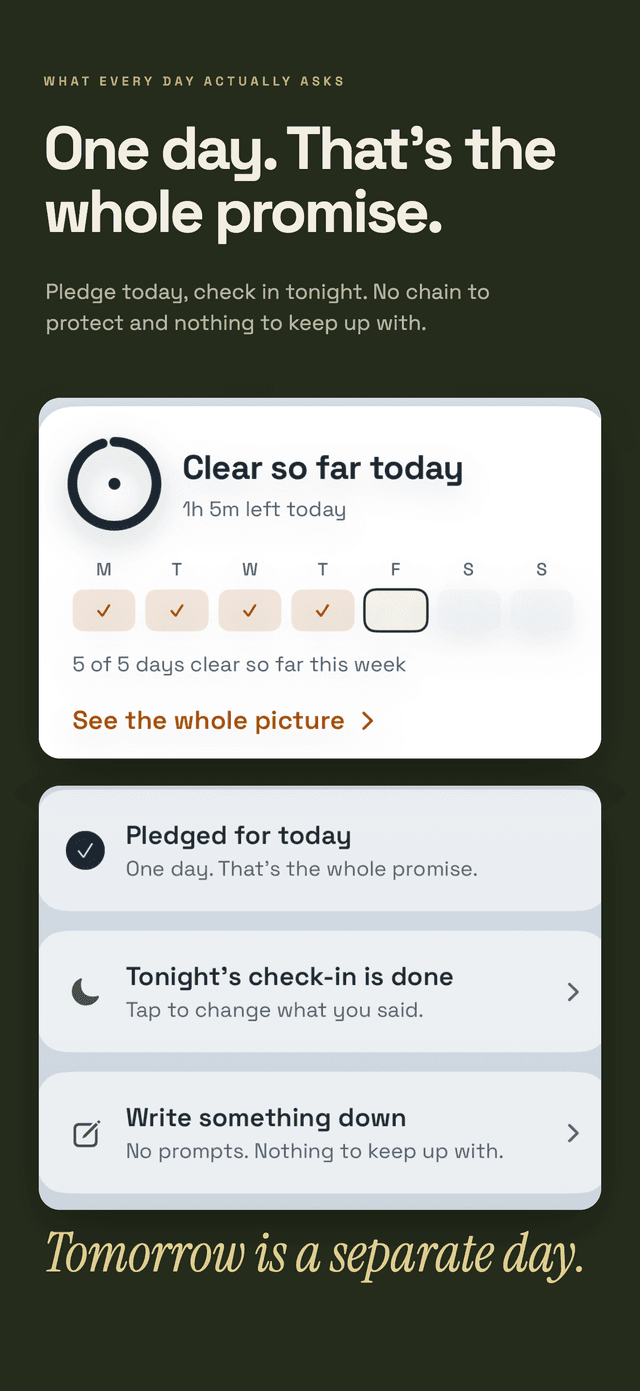
Hard Bit is a general iPhone craving tracker rather than a gambling blocker or betting-performance tool. It can keep a gambling habit separate from other habits, with its own logs, counter, difficult hour, and reason for changing. You can choose to stop or cut down.
The product documentation states that Hard Bit requires no account, has no social feed or advertising, uses no third-party analytics, and stores entries on the device rather than transmitting them to Daily Life Apps. It also provides an optional app lock, export, and complete deletion.
The counter, hard-moment flow, personal reason, logging, journal, milestones, help links, export, and deletion are free. A subscription adds the learned forecast and advance warning, patterns and calendar, widgets, and short reads. The forecast is calculated on the device from logged history. It makes no prediction below five entries and relies more fully on personal history at around twenty entries.
Logging a gambling session does not erase the complete record. For example, day 84 can become 81 of 84 days clear. What to Do After a Slip Without Erasing Your Progress explains the reasoning behind keeping that history.
The Hard Bit overview explains the wider workflow, while Hard Bit support documents the app lock, export, deletion, forecast, and free and subscription features.
Add barriers that can interrupt access
A tracker describes what happened. It does not prevent the next deposit.
For people in Great Britain, the NHS advises measures including GAMSTOP, gambling-blocking software, bank gambling blocks, paying important bills on payday, and addressing debt rather than ignoring it. GAMSTOP exclusions are available for six months, one year, or five years.
The Gambling Commission describes self-exclusion as a formal agreement not to gamble. Gambling businesses must take reasonable steps to enforce it, and GAMSTOP covers participating online operators through one request. The regulator also recommends seeking support alongside self-exclusion and considering blocking software.
GamCare lists gambling-specific blockers and notes that iOS's built-in parental controls can restrict gambling-related content. It suggests asking someone else to set the passcode so that you do not know it. GamCare also points to gambling transaction blocks offered by many banks and building societies.
Set barriers up while things are calm. Then use the log to find gaps, such as a stored payment method, a new operator, a borrowed device, or a particular notification.
Keep privacy from becoming isolation
A private record gives you control over disclosure. It does not mean you need to manage financial or mental-health harm alone.
In the UK, the National Gambling Helpline run by GamCare is free on 0808 8020 133 and available 24 hours a day, seven days a week. The NHS lists specialist gambling clinics in England that accept self-referrals, along with debt advice and other support services. Outside the UK, use an equivalent local gambling-support or health service.
If spending is increasing, bills are being missed, borrowing is growing, or repeated barriers are failing, involve a qualified service or trusted person. If gambling is seriously affecting your mental health, seek urgent mental-health support. Contact emergency services if anyone is in immediate danger or you are thinking of suicide.
An export can help you share selected dates, amounts, and patterns with a clinician, adviser, or trusted person. Check where the file is saved and who can access it before sharing. Our editorial policy explains how sourced guidance is separated from product information.
Keep each entry short
A private tracker is useful only if you can record events honestly. Aim for a two-minute entry and review the pattern weekly rather than checking it constantly.
If an urge is intense, prioritise barriers and support over completing the record. How to Handle a Craving in the Moment offers a short response sequence. Add the entry later when it is safe.
More privacy and pattern guides are available in the Hard Bit guide library.
Frequently asked questions
Is a private gambling tracker the same as a bet tracker?
No. Bet trackers usually focus on stakes, odds, results, and returns. A tracker for cutting down or stopping focuses on urges, cues, time, money, clear days, and the actions taken before or after an urge.
How can I tell whether an app keeps entries on the device?
Read its App Store privacy label and privacy policy, check whether an account or sync service is required, and use App Privacy Report after installation. These checks provide evidence but are not a guarantee. Ask the developer if the storage or backup position remains unclear.
Can a tracker stop me from gambling?
No. It can make a pattern visible, but it does not remove access. Self-exclusion, blocking software, bank gambling blocks, device restrictions, financial planning, and specialist support provide stronger barriers.
What if someone else uses my iPhone?
Use an app lock if available, review notification-preview settings, and protect the phone with a passcode the other person does not know. Store exported files carefully, especially if Files, email, or cloud folders are shared.
What should I do if the log shows that spending is increasing?
Act on the information promptly. Strengthen financial and access barriers, contact a gambling-support service, and seek debt advice if bills or repayments are affected. Use urgent mental-health or emergency help if your safety is at risk.