To export habit tracking data, open the tracker's settings, choose its export or download control, and save the file to a destination you recognize. Then open it and confirm that the date range, habits, entries, and notes are present before treating it as a reliable copy.
Do not assume that every export is CSV or that another tracker can import it. The format and fields depend on the app. Exporting also creates another sensitive copy, so deciding where it goes matters as much as pressing the button.
Decide what the export is for
Name the purpose before creating the file:
- Backup: a complete copy in case you change phones, reinstall, or lose access.
- Personal archive: a dated record you intend to keep.
- Review: a file you can sort or count on a larger screen.
- Transfer: data you hope to import into another tracker.
- Sharing: a limited extract for a clinician, counsellor, support worker, or another person you choose.
The purpose affects what you need. A backup may require the complete record. A sharing copy may need only a relevant date range with private notes removed. A transfer requires a format the receiving app can actually import.
If you plan to remove the original afterwards, read how to delete a craving log you no longer want before acting. Export and deletion are separate decisions.
Export from Hard Bit on iPhone
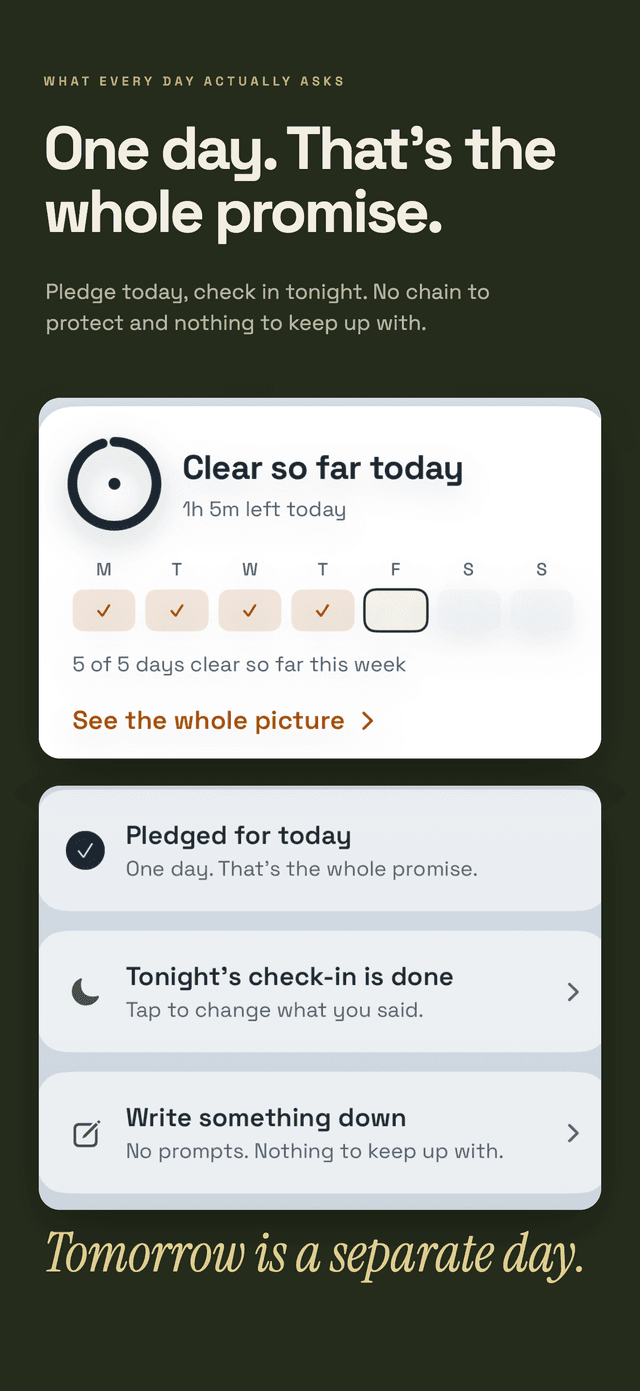
Hard Bit's current support and privacy pages describe this process:
- Open Hard Bit.
- Go to the You tab.
- Choose the export control.
- Select where to save or send the file.
- Open the saved file and verify it.
Export and deletion remain part of the free experience. Hard Bit describes the result as a plain file containing your entries, but its public documentation does not promise a particular extension such as .csv. Check the file you receive rather than choosing software based on an assumed format.
Hard Bit works without an account. Entered history stays on the device, and nothing is sent to Daily Life Apps as part of an export. The file is produced from the record already on your iPhone and handed to the destination you choose.
The Hard Bit support page documents the export control. The Hard Bit overview explains its on-device storage and other current features.
Check what the file actually contains
Open the export before deleting anything, changing phones, or cancelling another service. Check:
- the filename and extension,
- the earliest and latest dates,
- the number of entries,
- whether separate habits remain distinguishable,
- whether clear days and difficult moments are included,
- whether amounts, money, or time are represented correctly,
- whether journal notes are complete,
- and whether unusual characters or dates display properly.
Your export may contain more context than expected. Habit records can include locations, routines, spending, urge ratings, or free-text notes naming other people. Smokefree.gov's trigger categories illustrate how personal that context can become: emotional, routine, social, and withdrawal details may all appear in a log.
The Alcohol and Drug Foundation likewise recommends recording no-drinking days, strong urges not acted on, coping responses, spending, and week-to-week comparisons in an alcohol diary. Those fields can be useful, but they also make a file more revealing.
If several habits appear in one file, confirm that each row can still be assigned to the correct habit. For a better setup before the next export, see how to track more than one habit without mixing the data.
If the tracker has no export button
First establish where the tracker stores its data.
For a device-only tracker with no export control, the available options may be limited to screenshots, manually copying selected entries, or asking the developer whether an undocumented export exists.
If an organisation holds the data online, UK residents may have relevant data-protection rights. The ICO says the right to data portability applies to electronic data you provided when the organisation relies on consent or a contract to process it. It can include some data observed through your use of a service. The organisation must provide eligible data in a commonly used, machine-readable format and transfer it elsewhere when technically feasible.
A request could say:
This is a data portability request for the habit entries I provided through my account from [start date] to [end date]. Please provide the eligible data in a commonly used, machine-readable format.
The ICO says an organisation has one month to respond. In certain circumstances it may take up to two additional months, but it should explain the extension within the first month.
If you want a broader copy of personal information rather than only portable data, a subject access request may fit better. The ICO recommends stating what information you want, giving dates or account details that help locate it, and explaining how you want to receive it.
The ICO currently notes that this guidance is under review following legal changes, so check the current page when making a request. Rules also differ outside the UK.
Receiving a copy does not automatically delete the organisation's original. Deletion requires a separate request or account control.
Choose a suitable storage location
An exported habit log is now an ordinary file. It can be copied, attached, backed up, or placed in a shared folder without the protections of the tracker.
Before saving it, ask:
- Who can access this device or storage account?
- Is the folder shared?
- Will the file be backed up elsewhere?
- Do I need one working copy, a backup, or both?
- When will I review or delete it?
Apple says iCloud Drive uses standard data protection by default. Files are encrypted in transit and on the server, while Apple holds the keys needed for recovery. With Advanced Data Protection enabled, iCloud Drive content is end-to-end encrypted and trusted devices retain access to the keys.
Apple also says content shared with “anyone with the link” does not support Advanced Data Protection. Avoid that sharing mode for a private log unless you understand and accept the exposure.
Emailing or messaging the file creates additional copies in sent folders, backups, and recipients' devices. If you use either method, include those copies in your later review.
Make a separate copy before sharing
Do not edit your only backup to create a sharing version. Duplicate it first.
In the copy:
- Keep only the relevant date range.
- Remove habits unrelated to the conversation.
- Remove private notes and other people's names unless needed.
- Check every remaining column or section.
- Reopen the final file to confirm the removed material is gone.
Ask the recipient what format and period would be useful. Some people may prefer a short summary with the full file available if needed. Others may need the raw entries. You control what you share unless another legal or clinical process applies.
A habit export is your record, not a diagnosis. It shows what you entered and may omit events you forgot or chose not to log.
Review patterns without over-reading them
Exports make sorting and counting easier. You can group entries by weekday, hour, habit, amount, or context and compare one period with another.
Keep the limits visible:
- Missing entries affect the pattern.
- A busy week may be logged differently from a quiet one.
- A repeated hour does not prove what caused the behaviour.
- An apparent change may reflect how consistently you recorded it.
Treat patterns as questions to investigate, not verdicts about your character. How to identify craving triggers and difficult times explains how to review repeated combinations of time, setting, and cue without treating a few rows as certainty.
Do not use an export to assess withdrawal risk
A file can help you describe what happened. It cannot decide whether reducing or stopping is medically safe.
The NHS warns that stopping alcohol overnight can be harmful when someone is physically dependent. Seek medical advice before stopping in that situation. In the UK, call 999 for severe alcohol-withdrawal symptoms such as hallucinations, severe tremors, or seizures. Elsewhere, use the local emergency number.
The FDA warns that abruptly stopping benzodiazepines or reducing the dose too quickly can cause serious withdrawal reactions, including life-threatening seizures. Discuss any reduction plan with the prescriber or another qualified clinician.
Contact emergency services if you or someone else is in immediate danger. The Daily Life Apps editorial policy explains the limits of app and health information on this site.
Keep a small export routine
A practical routine is enough:
- Export before changing phones, reinstalling, or switching trackers.
- Use a dated filename.
- Open the file and check representative entries.
- Store it in the same chosen location each time.
- Keep a defined number of older copies rather than accumulating them indefinitely.
- Review the destination whenever another person gains access to the device or account.
An export is a record and a safety net, not a second tracking project. More source-reviewed articles are available in the Hard Bit guide library.
Frequently asked questions
What format will my habit export use?
It depends on the tracker. CSV is a common machine-readable format, but apps may use text, JSON, PDF, or a proprietary backup. Hard Bit's public documentation promises a plain file but does not identify its extension. Inspect the exported file before choosing another app or spreadsheet tool.
Can I import the file into another habit tracker?
Only if the receiving tracker supports that format and field structure. An app may offer export for reading or backup without offering compatible import. Test with a copy before deleting the original record.
Does exporting send my Hard Bit data to Daily Life Apps?
No. Hard Bit's privacy documentation says the export is created from entries stored on your device and handed to you. Nothing is sent to Daily Life Apps as part of the export. Saving it to cloud storage or sending it to someone is a separate action you control.
Can I get data from an app with no export feature?
If an organisation holds eligible data online, a portability request or subject access request may apply, depending on what you want and the law where you live. A device-only app with no export facility may require manual copying.
Should I export before deleting my log?
Only if you want a separate copy. An export can preserve useful information, but it also creates another sensitive file. If privacy is the reason for deletion, consider whether making that copy supports or undermines your goal.