To stop scrolling while waiting, make the decision before the feed opens. Ask whether you will notice when the wait ends, whether you need the phone for a practical task, and what activity can stop immediately when the queue, call, or appointment moves.
The goal is not to make every spare minute productive. It is to keep a small gap from becoming an open-ended session you did not choose.
Use a 15-second waiting plan
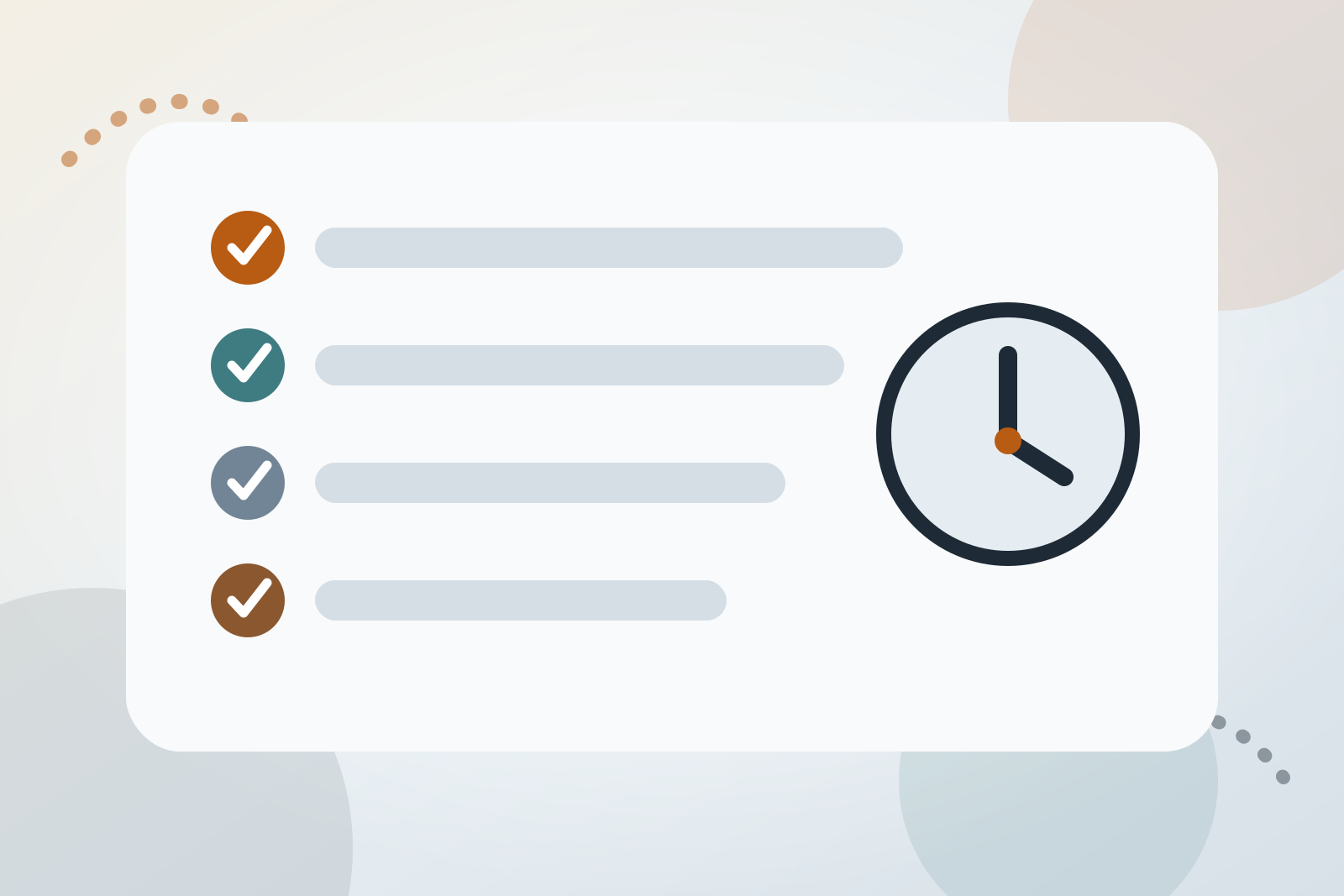
Run through four questions:
- What am I waiting for? Name the event, such as the kettle boiling, a train arriving, or your name being called.
- Will the ending be obvious? A timer is predictable. A delayed service or waiting room is not.
- Does the phone have a job? You may need a ticket, queue number, map, payment screen, or incoming call.
- What can I do until then? Choose one option that fits the available time and can be interrupted safely.
A simple plan might be:
I need the phone for the ticket. After opening it, I will lock the screen and read one page of the book in my bag until boarding begins.
Do not choose an activity that prevents you from hearing instructions, watching traffic, supervising someone, or responding when the wait ends.
Why waiting can prompt automatic checking
Research described by the London School of Economics examined more than 200 hours of first-person video from 37 participants aged 21 to 29. It found that 89% of recorded smartphone interactions were initiated by users, while 11% followed an alert. Checking appeared more often around transitions between activities, stressful work, and dull tasks such as commuting.
The study was small, involved young adults, and did not test a waiting-specific intervention. It does suggest that muting notifications cannot address every pickup because many checks begin without an alert.
Treat that as a prompt to notice the moment before unlocking, not as a reason to blame yourself. A repeated transition can become a useful place to prepare a different action.
An unfilled wait may be less unpleasant than expected
Across six experiments involving 259 participants, researchers asked people to predict and then rate the experience of sitting alone with their thoughts. Participants enjoyed it more than they expected in both three-minute and twenty-minute conditions.
The finding needs proportion. Average enjoyment was about 3 to 4 on a 7-point scale, and all participants were university students in Japan or the UK. The researchers also stressed that not all thinking is rewarding and that some people experience cycles of negative thinking.
The practical conclusion is modest: try one short, low-stakes wait without filling it and see what happens. It is not an instruction to remain alone with distressing thoughts.
Sort the wait using two questions
Waits are easier to plan for when you separate two issues: whether the ending is predictable and whether the phone is required.
| Kind of wait | Example | Useful approach |
|---|---|---|
| Predictable, phone not needed | Kettle or microwave | Leave the phone where it is and let the event end the pause |
| Predictable, phone needed | Boarding pass before a known departure | Complete the named task, then lock or put away the phone |
| Open-ended, phone not needed | Waiting room where your name will be called | Choose a quiet activity that can stop immediately |
| Open-ended, phone needed | Telephone queue or live service update | Keep only the required function active and avoid navigating through a feed |
Length still matters. Looking around may fit a one-minute queue. A notebook, paper book, puzzle, or saved piece of audio may fit a longer journey. These are practical categories, not clinical thresholds.
Keep a phone-bound wait narrow
“No phone while waiting” is unrealistic when the device holds the thing you need. Use a narrower rule:
Phone out for the gate number, then screen locked.
Make that route easier before the wait:
- put a ticket or pass somewhere you can open directly,
- take a screenshot when doing so is appropriate and does not expose sensitive information,
- move feed apps away from the first Home Screen,
- keep the device in a pocket or bag after completing the task,
- leave necessary call, queue, safety, or travel alerts enabled.
If you must watch the screen continuously, do not hide it merely to follow a rule. The aim is deliberate use, not making the wait less safe or practical.
Build a three-option wait kit
Prepare three options rather than searching a long list while already waiting.
One that needs nothing. Look around, notice a particular colour, feel where your feet meet the ground, or plan the next task in your head. The NHS describes mindfulness as paying attention to thoughts, bodily sensations, and surroundings in the present moment. It also says mindfulness is not right for everyone and can make some people feel worse. Stop and choose another option if it increases distress.
One that is already with you. Carry a small book, notebook, puzzle, or other item whose first step takes little effort. Choose something you can close without frustration when the wait ends.
One that involves connection. Talk with a companion, send a deliberate message to someone you care about, or make a planned call during a longer wait. NHS wellbeing guidance describes relationships as important and cautions against relying only on technology or social media to build them.
If boredom appears well beyond queues and waiting rooms, the guide to replacing boredom scrolling with something that fits the gap covers that broader pattern.
Give an open-ended wait checkpoints
An open-ended wait has no reliable countdown. Create checkpoints without becoming less attentive:
- ask how you will be called and whether you may leave the immediate area,
- choose a short chapter, page, or note that creates its own stopping point,
- keep headphones off if you need to hear your name or an announcement,
- check a service board at planned intervals rather than holding the phone continuously,
- choose activities you can abandon immediately without losing work.
In a phone queue, keep the call active and use another non-feed activity if the setup allows it. In a waiting room, stay where staff have asked you to remain. Practical instructions take priority over the plan.
If the pull feels urgent rather than merely automatic, use the five-minute plan for the start of a craving.
Review the waits that repeat
For one or two weeks, record a line when an intended check turns into a longer scroll:
- where you were,
- whether the ending was predictable,
- what the phone was needed for,
- roughly how long you stayed in the feed,
- what eventually ended the session.
Also note waits that passed differently. Otherwise, the record will contain only frustrating examples.
Your phone can estimate time spent in an app, but it cannot reliably tell whether you were scrolling, messaging, reading, or completing a practical task. The guide to tracking the hours you scroll most automatically explains how to combine device records with brief context notes.
Hard Bit is an optional iPhone craving tracker for the context side of that record. It keeps scrolling separate from other habits. Its counter, logging, journal, hard-moment flow, milestones, help links, export, and deletion tools are free. Hard Bit Plus adds the on-device forecast and warning, patterns and calendar, widgets, and short reads.
The forecast makes no prediction below five entries and relies fully on your history at around twenty. The product documentation says there is no account or social feed and that entries remain on the phone unless you export them. The Hard Bit overview and support page describe the current boundaries. A paper note is also enough for this exercise.
Treat stressful waiting differently
Waiting for medical results, news about someone you love, or another serious outcome is not just an empty gap. Distraction, company, or a deliberate phone call may be reasonable. You do not need to turn that period into a mindfulness or productivity exercise.
Choose something that does not intensify the situation. If a news feed is making the wait worse, use the more specific guide to stopping doomscrolling without avoiding the news.
Consider speaking to a GP or mental health professional if phone use repeatedly displaces sleep, work, study, caring responsibilities, or relationships, or if attempts to change feel unmanageable. If the phone is mainly a route into gambling, harmful material, harassment, or another problem with distinct risks, seek support for that issue. Contact emergency or crisis services if you or someone else is in immediate danger.
Our editorial policy explains how health and product claims are reviewed. More practical articles are available in the Hard Bit guide library.
Frequently asked questions
Is it realistic to avoid my phone during every wait?
No. Tickets, payments, maps, queue updates, and important calls can make the phone necessary. Name its job, complete that job, and decide whether it still needs to remain in your hand.
How do I keep a two-minute wait from becoming twenty minutes?
For short, predictable waits, avoid opening a feed with no natural endpoint. Let the kettle, lift, payment terminal, or other event end the pause. If you choose to open something, decide its stopping point first.
Does putting the phone in a bag help?
It can add friction between the impulse and the app, but it is not guaranteed to change the habit. Pair it with an accessible alternative and test the setup in the kind of wait that causes difficulty.
Should I simply sit and do nothing?
You can test that during a short, low-stakes wait. Research suggests people may enjoy thinking more than they predict, but average enjoyment was moderate and the participant group was limited. Choose another activity if unoccupied time increases anxiety, harsh thoughts, or distress.