A practical answer to how to stop doomscrolling is not to ignore current events. Decide in advance when and where you will check the news, what information you need, which sources you will use, and what will end the session. Then remove the alerts and routines that start checks you never planned.
Staying informed answers a question. Doomscrolling continues after the useful answer has run out.
Separate staying informed from open-ended scrolling
The Mental Health Foundation describes doomscrolling as scrolling through negative news for long periods. It can begin with a reasonable aim, such as understanding an event or feeling prepared. Samaritans suggests noticing when you have gone beyond finding the information you wanted and feel stuck spending more time online.
That is a practical boundary. You do not need to decide whether you are “allowed” to care. Ask whether the current scroll still serves the reason you opened the news.
Possible signs include checking several times an hour, scrolling much longer than intended, feeling drained afterward, or finding it difficult to switch off. These describe experiences, not a diagnosis.
Find when and how the loop starts
For one week, make a short note whenever you notice an unplanned or extended news scroll:
- the time,
- where you were,
- what happened just before,
- what you hoped to find,
- roughly how long you stayed.
An entry can be one line: “Tuesday, 11:20pm, in bed, opened an election alert, wanted the latest result, still scrolling 45 minutes later.”
At the end of the week, look for repeated combinations. Your first pattern is a working hypothesis, not a rule. It might point to waking up, commuting, finishing work, receiving alerts, or taking the phone to bed.
How to Identify Your Craving Triggers and Difficult Times explains how to review a log without forcing every entry into one explanation.
Give each news window four boundaries
Schedule one or two times when you can read deliberately. Build each check around four decisions:
- Question: What do I need to know? For example, “Has the weather warning changed?” is clearer than “See what is happening.”
- Source: Choose a small number of trusted, edited sources instead of moving between algorithmic feeds.
- Stop point: Set a duration, finish one bulletin, or read one summary and one analysis. A timer can help, but the endpoint should also make sense.
- Next activity: Decide what follows, such as making tea, walking to work, calling someone, or starting dinner.
Samaritans recommends setting a limit and planning something to do afterward. It also suggests curating feeds around trusted sources and muting accounts that are not helpful.
If you worry about missing an urgent development, keep essential weather, safety, or work alerts while silencing general breaking-news notifications. You can also ask a trusted person to contact you if a genuinely important update occurs. Staying reachable does not require keeping every feed open.
Remove the cues that start extra checks
Both the Mental Health Foundation and Samaritans recommend turning off push notifications for news and social apps. This lets you choose when to engage.
Add friction to the route your log identified:
- move news and social apps off the first home screen,
- log out of the feed you open automatically,
- leave the phone elsewhere during your usual scroll period,
- make the bed or dining table a phone-free place,
- apply limits to the specific apps involved,
- bookmark your chosen sources so you can bypass a social feed.
These changes do not need to make access impossible. They only need to create a moment in which you can notice that this was not your planned news window.
Exit a scroll that is already underway
Noticing late is still useful. Try this short sequence:
- Name it: “I found the update, and now I am scrolling without a question.”
- Put the phone on a surface outside arm’s reach.
- Stand up or change rooms if that is practical.
- Do one prepared activity with a visible ending.
- Record the time and cue later.
The aim is not to compensate for reading bad news or force yourself to feel positive. It is to end the automatic sequence and return to the next chosen activity.
For a broader pause-and-change sequence, read How to Handle a Craving in the Moment.
Protect the period before sleep
If your notes point to late-night scrolling, change the bedroom setup before bedtime.
A 2025 cross-sectional study of more than 45,000 Norwegian university students found that each additional hour of screen use after going to bed was associated with 59% higher odds of reporting insomnia symptoms and 24 minutes less sleep. Another cross-sectional study of 122,058 adults in the United States and Puerto Rico found that daily screen use in the hour before sleep was associated with a 33% higher prevalence of poor sleep quality compared with no pre-bed screen use.
These studies concerned screen use generally, not doomscrolling specifically. They also used self-reported data and cannot show that screens caused an individual’s sleep difficulties.
The American Academy of Sleep Medicine recommends powering down devices 30 to 60 minutes before intended sleep, keeping the phone in another room where possible, and silencing alerts if it must remain nearby. A separate alarm clock or watch can remove one reason to keep the phone beside the bed.
If you need to remain contactable, allow calls from chosen contacts and emergency alerts rather than leaving every news notification active.
Use a record without turning it into surveillance
After two weeks, ask specific questions: Which period keeps appearing? Which alert or situation comes first? Which planned ending worked?
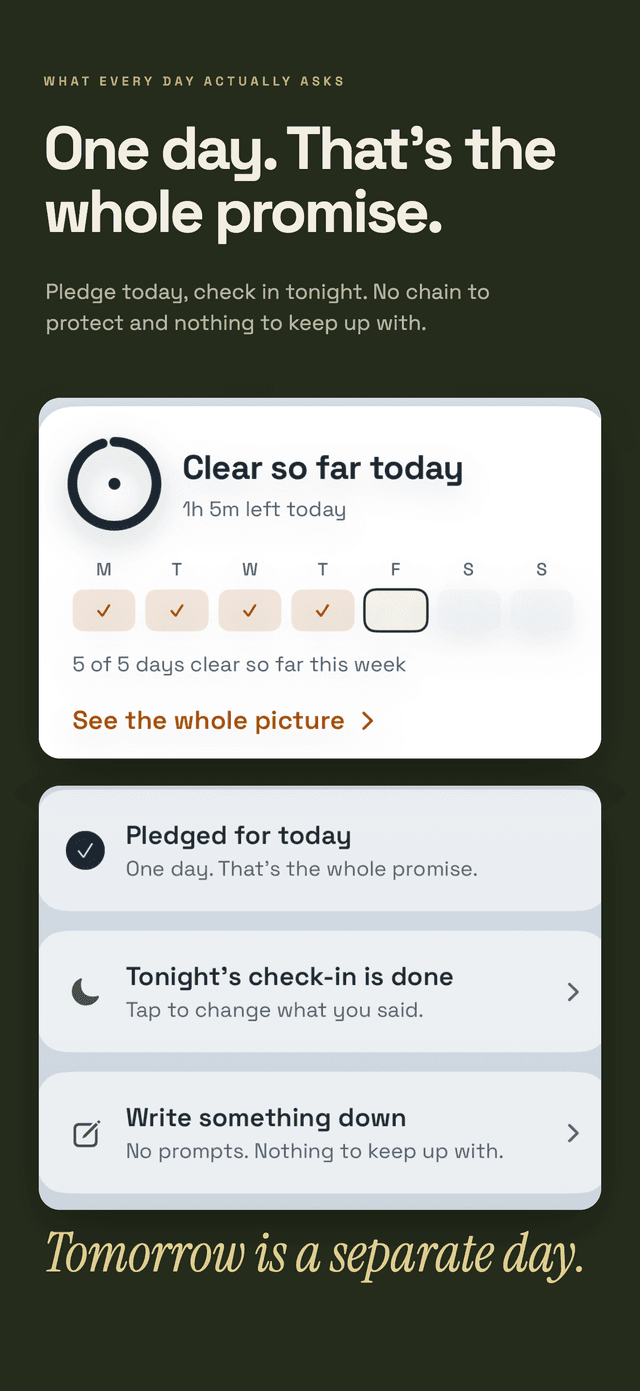
Hard Bit is an optional iPhone tool for keeping that record. It can track scrolling separately from other habits, keep your reason and logs on your device, and preserve the full history after a difficult day. Logging, the journal, and the hard-moment flow are free and stay free.
Hard Bit Plus adds the forecast and advance warning. The forecast is calculated on your device from your entries. It makes no prediction with fewer than five entries and relies more fully on your history at around twenty. The Hard Bit overview explains these features and privacy boundaries.
Paper works too. The useful part is an honest record that helps you prepare for a repeated situation. If a long scroll has already happened, What to Do After a Slip Without Erasing Your Progress explains how to adjust the plan without deleting the days that went differently.
Keep the evidence in proportion
Research on doomscrolling is still developing. A peer-reviewed study across three Turkish samples found correlations between doomscrolling scores and social media addiction-scale scores, fear of missing out, neuroticism, and psychological distress. It also found associations with wellbeing measures.
The study was cross-sectional and self-reported. It shows that these measures occurred together in those samples, not that doomscrolling caused distress or that a personality trait explains any individual reader.
Our editorial policy explains how Daily Life Apps separates research findings, practical suggestions, and product information.
Know when to seek more support
Consider professional support if news checking is contributing to persistent anxiety or low mood, disrupting sleep, work, or relationships, or repeatedly feels impossible to control. A clinician can assess concerns that a habit log cannot.
If distressing news is fuelling hopelessness or thoughts of self-harm, contact a crisis service rather than managing it alone. Samaritans is available free, day or night, on 116 123 in the UK and Ireland. In the United States, call or text 988. Elsewhere, use a local crisis service. Call emergency services if you or someone else is in immediate danger.
Reducing doomscrolling does not mean pretending events are unimportant. It means deciding how you will receive information without handing the rest of your time to the feed.
Make one change today
Choose one action supported by your notes:
- remove one recurring cue,
- schedule one news window,
- write its question and stop point,
- choose what you will do immediately afterward.
Keep that plan for a week, then review what happened. More practical articles are available in the Hard Bit guides.
Frequently asked questions
Do I have to give up the news entirely?
No. Focus on replacing open-ended checks with a deliberate question, chosen sources, a stopping point, and a next activity. Keep essential alerts if your responsibilities or local conditions require them.
Should I call doomscrolling an addiction?
Doomscrolling is a descriptive term in this guide, not a diagnosis of the reader. Research has found associations with scores on measures of problematic social media use, but that cannot diagnose an individual. Describe what is happening, such as checking repeatedly or finding it difficult to stop, and seek professional advice if it is causing substantial harm.
How long does it take to stop doomscrolling?
There is no reliable universal timeline. Track practical changes instead: the number of unplanned checks, their duration, whether they reach the bedroom, and how often you stop at the boundary you chose.
Can an app help if apps are part of the problem?
It depends on its role. A private log serves a different purpose from an infinite feed, but it should not add more checking. Hard Bit has no account or social feed and stores entries on the device. It is a self-tracking tool, not mental health care.