To track gaming time saved, you need two numbers: how many hours a typical week used to take, and how many you actually played this week. Check the first number against real play data rather than memory. Then, once a week, subtract this week's hours from that baseline, write the result down, and add one line about where the time went. Keep slips in the same record. That gives you a number you can trust, not a flattering one.
Skip the counter that piles up imaginary hours. A short weekly ledger shows what changed.
Build a baseline you can check
Most "hours saved" figures start with a guess, and guesses about gaming are shaky. In a peer-reviewed study published in Royal Society Open Science, researchers worked with Electronic Arts and Nintendo of America to get players' logged play time. They argued that self-reported play is an unsuitable stand-in for actual play. If researchers won't rely on estimates, your own figure probably deserves a check too.
Use whatever records you already have:
- Console or launcher records. Many consoles and PC launchers show time played per game. The menus vary by platform and change over time, so check the platform's own help pages.
- iPhone Screen Time. Apple's Screen Time report shows app and website activity and switches between daily and weekly summaries. Apple notes that a report may only appear once the device has been used long enough to collect activity. That covers mobile games. It won't see a console in the next room.
- Your own notes. If you have no records, write down your start and stop times for two ordinary weeks before you change anything. A rough log kept as you go is still better than reconstructing a month from memory.
Choose typical weeks, not the worst ones. If you base the figure on a holiday binge, every later week will look like a huge win, and you'll stop trusting the number. Write the baseline down with a short note on how you got it, such as "22 hours a week, from console records for two weeks in September."
Use one weekly subtraction
Keep the maths simple enough to do in under a minute:
Hours back this week = baseline weekly hours − hours actually played this week
Here's an example. Someone's records show about 2.5 hours on four weeknights and roughly 6 hours on each weekend day. That's a baseline of 22 hours a week. In their first changed week they play 9 hours, so they get 13 hours back.
Over four weeks the ledger might read 13, 15, 8 and 14 hours back. That's 50 hours in total. The third week, with only 8 hours back, matters too. It's when a busy deadline and a new release landed together, and that's useful information.
A weekly figure has two advantages over a live counter that ticks up every minute. It's based on what actually happened rather than an assumption that you'd otherwise have been playing. And it lets a hard week show up honestly instead of being hidden inside a large running total.
If you want help keeping the numbers tied to facts rather than verdicts, tracking gaming without turning it into shame covers the tone of the record itself.
Track stopping and cutting down differently
The method changes depending on your goal.
If you're stopping completely, the subtraction above works as it is. Most weeks the "actual" figure should be zero or close to it, and the hours back will roughly match your baseline. A clear-days count also helps, as long as one slip doesn't wipe out the earlier days.
If you're cutting down, set your own weekly line first, for example "no more than 8 hours, none after 11pm." Then track two things:
- hours back compared with the old baseline,
- whether the week stayed within the line you set.
Keep these separate. A week with 12 hours back that went over your line once tells you something different from a week with 12 hours back where every session ended on time. The second number shows whether the boundary itself works.
Neither goal is better by default. Choose the one you can actually keep, and change it if the record shows it isn't working.
Write down where the hours went
Reclaimed time isn't automatically good time. If three gaming hours become three hours of scrolling, the number looks better than the evening felt. This is the step most time-saved counters leave out.
Once a week, add one line next to the total:
- "Most of it went to sleep. In bed before midnight four nights."
- "Two evenings at my brother's. One long walk."
- "Honestly, about half went to my phone instead."
That last line is useful, not a failure. It shows the next thing to adjust. If you want to plan the newly empty hours on purpose, changing the hours around gaming looks at the evening as a whole rather than just the game.
Over a month, these notes often say more than the total does. "50 hours back" is abstract. "Started sleeping before midnight and finished the course module" is something you can remember during a hard evening.
Keep slips in the same ledger
When a week goes badly, it's tempting either to leave it out or to declare the whole record ruined. Both make the record worse.
If you planned no gaming and played 14 hours on Saturday, write it down. The week's hours back will be lower, and the record will be accurate. Add the sequence while it's fresh: what time it started, what happened just before, and what made "one match" easy to start.
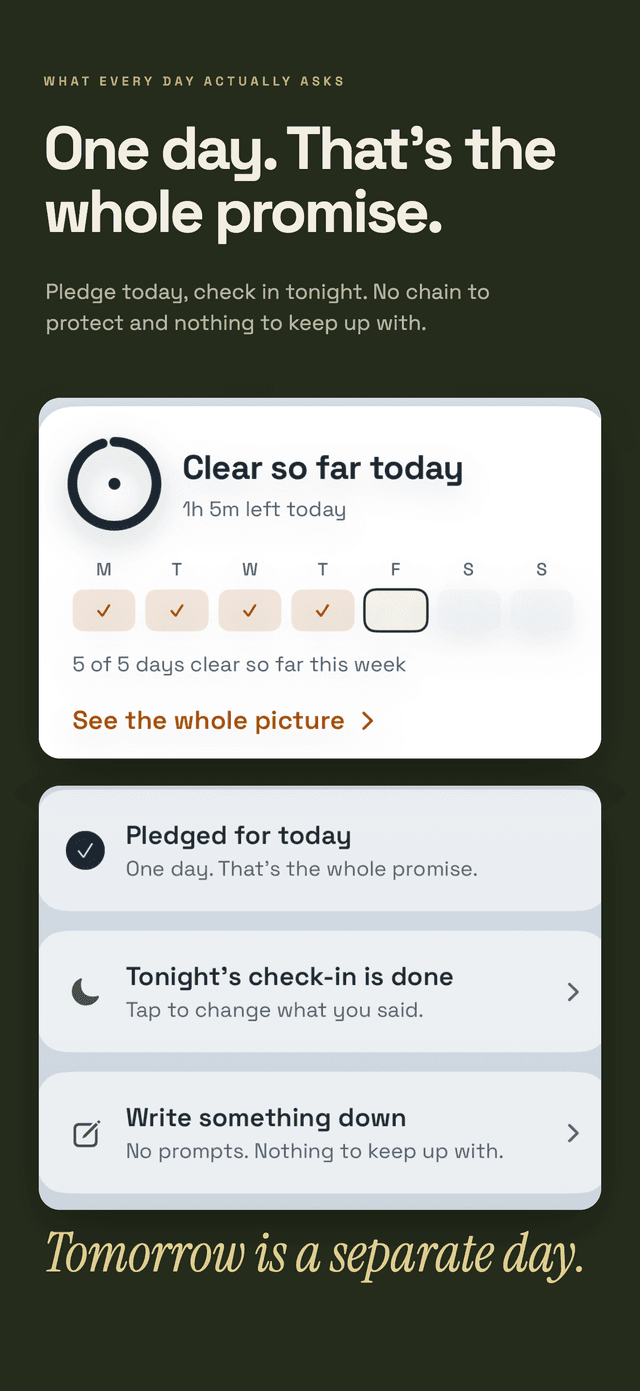
Hard Bit is built around this idea. Logging a use changes the wording of the counter rather than resetting it, so day 84 becomes 81 of 84 days clear. The Hard Bit app overview explains why: a record you hide things from can't show your real pattern. The same applies on paper.
For other measures that survive a difficult week, see how to measure gaming progress beyond a perfect streak.
Turn the cost into words you can use
A weekly total is good for review. In the moment, it rarely helps. When the urge to log in is loud, "I've saved 50 hours" can feel like permission: "I've earned one night."
What usually works better is a specific line, written while calm, about what gaming used to take:
- "Saturday mornings disappeared until 2pm."
- "I stopped answering my friends' messages."
- "I was playing until 3am and calling in late."
Hard Bit lets you save your own sentence about why you're stopping, and when you choose gaming it asks about hours rather than money. Its hard-moment flow brings back that sentence and the list of what the habit has already cost you, alongside a breathing circle. The app doesn't need to calculate anything for this to help. What matters is that the cost is written in your own words before you need it.
Because gaming logs can be personal, it may matter that Hard Bit has no account and keeps entries on the phone. A private way to track gaming on iPhone covers that in more detail.
Avoid the traps that distort the number
A few common habits make the figure less honest:
- Using an inflated baseline. Base it on typical weeks with checked data.
- Counting hours you'd never have played. If you only ever gamed in the evenings, a free weekday morning isn't "saved" from gaming.
- Checking the total all the time. Review it once a week. Checking it daily can turn it into a scoreboard.
- Treating the number as a grade. A smaller figure shows a pattern. It doesn't say anything about your character.
- Ignoring other screens. If phone or video time rises as gaming falls, note it so you can see the whole picture.
When tracking time isn't enough
For many people, a weekly ledger and a few changes to the evening are enough. For others, gaming is harder to control than a spreadsheet can handle.
The World Health Organization describes gaming disorder as a pattern of gaming that causes significant impairment in personal, family, social, educational, occupational or other important areas, normally evident for at least 12 months. Only a qualified professional can make that assessment. A time log can't.
If gaming is seriously affecting your sleep, work, study, relationships or money, consider talking to a GP or another health professional. In England, the NHS National Centre for Gaming Disorders treats people aged 13 and over who have difficulty controlling their video game use, and it accepts self-referrals. It doesn't offer crisis support. If you feel at risk, contact your GP, your local mental health team, A&E or emergency services.
Your ledger can still help in those conversations: dated, factual records are easier to discuss than a vague sense that "it got bad." Our editorial policy explains how Daily Life Apps chooses and reviews health sources.
Frequently asked questions
How do I work out how many hours gaming cost me before I stopped?
Use console, launcher or Screen Time records for two typical weeks, or log start and stop times as you go before changing anything. Researchers who compared survey answers with logged play called self-reported play an unsuitable stand-in for the real thing, so check your estimate against data where you can.
Should I count every hour I'm not gaming as time saved?
No. Count only the gap between your usual weekly hours and the hours you actually played. Time you'd never have spent gaming, such as work hours, doesn't belong in the total.
What if I game more one week than I planned?
Record it in the same ledger. The week's hours back will be lower, and that's accurate. Note what happened just before the session and change one condition for the next similar week, such as when the console goes off.
Is it worth tracking time saved if I'm only cutting down?
Yes, but track two things: hours back compared with your old baseline, and whether the week stayed within your chosen limit. Together they show whether the reduction is real and whether the limit holds.
More practical, source-reviewed articles are available in the Hard Bit guides.