Private habit tracking without account sign-up starts with one question: who or what should not see the record?
A company collecting app data, a person holding your phone, someone with access to your Apple Account, and a recipient of an exported file are different privacy risks. No single setting covers all of them.
The practical setup is to keep the record small, choose paper or an app with a clear on-device storage policy, inspect what the app reports and contacts, protect access through the phone, and decide how backups, exports, and deletion should work.
Decide what private means in your situation
Write down the boundary you care about before choosing a tool.
- The app developer: You do not want entries stored on a company server or connected to an email address, advertising profile, or analytics identifier.
- Someone with your phone: A partner, parent, flatmate, colleague, or child might see an icon, widget, notification, or open app.
- Someone with account access: A shared Apple Account, purchase history, backup, or another signed-in device can create exposure outside the app.
- Anyone receiving a copy: An exported log can remain in email, cloud storage, messages, downloads, or a recent-files list.
- Your future record: You may want to remove individual details or erase the history after it has served its purpose.
An app can protect one boundary and fail at another. No account reduces the information you provide during sign-up, but it does not prove that the app avoids analytics or other network connections. An app lock protects the screen, not data already transmitted elsewhere.
Choose the smallest record that remains useful
You do not need an app to begin. The NIAAA offers a printable four-week alcohol tracker and says recording each drink can help make patterns visible before planning a change. That example is specific to drinking, but the format is adaptable.
A short entry might contain:
- Date and time.
- What happened immediately before.
- Urge strength on one consistent personal scale.
- What you did next.
Paper has no account or network connection, but someone can find it and it is easy to lose. A notes file is convenient, but it may sync to other devices or a shared account. A dedicated local tracker can organize entries and patterns, but its storage and network claims still need checking.
Keep descriptions factual and limited. “Tuesday, 9:10pm, alone after work, urge 7/10, went for a walk” is usually more useful and less exposing than a long account containing names, messages, or unrelated personal details.
For a fuller logging method, read how to identify your craving triggers and difficult times.
Check what a no-account app actually does
Treat “private,” “local,” and “no account” as claims to examine, not guarantees.
Start with four checks:
- Read the privacy policy. Look for clear answers about where entries are stored, whether analytics or advertising tools are included, and how you export or delete data.
- Read the App Store privacy label. Apple requires developers to provide privacy information for app submissions and updates. The label can show data that may be collected, linked to you, or used for tracking.
- Remember who supplied the label. App Store privacy information is developer-reported. It is useful evidence, not an independent technical audit.
- Review network activity. On iPhone, App Privacy Report can show permissions used and domains contacted by an app. A domain contact deserves investigation, but it does not reveal what was transmitted or prove that a habit entry was uploaded.
A successful airplane-mode test does not establish privacy. An app may store entries locally while queuing analytics for later, and an online help page may fail even when the tracker itself is local.
There is evidence for this caution, although it should not be generalized to every current app. A 2019 JAMA Network Open study examined 36 top-ranked depression and smoking-cessation apps selected in 2018. Network testing found that 33 contacted at least one third party and 29 transmitted data to Google or Facebook services. The study reported substantial gaps between observed behavior and privacy disclosures.
That was a small, dated sample from two health-app categories. It does not describe today’s habit trackers. It does show why a policy or label should not be your only check.
Protect the record on your iPhone
On iOS 18 or later, you can touch and hold a downloaded app and require Face ID, Touch ID, or a passcode. Apple says information inside an app locked this way does not appear in notification previews, search, Siri suggestions, or several other system surfaces.
You can also hide a downloaded app. It leaves the Home Screen and ordinary App Library view and moves into an authenticated Hidden folder. Locking or hiding applies only to that iPhone and does not sync through iCloud, so review every device separately.
Also check:
- Notifications: If the app is not protected by the system lock, set previews to Never or disable visible alerts. The guide to keeping habit notifications private on iPhone covers each surface.
- Widgets: A Home Screen or Lock Screen widget can expose a habit name, number, or forecast.
- Purchase visibility: Hiding an installed app and hiding it from an App Store purchase list are separate actions. Review Family Sharing and purchase history if the app’s existence is sensitive.
- The app’s own lock: A built-in Face ID lock may be available even when the system-level option is not.
If you suspect that someone is monitoring your phone or accounts, treat this as a safety issue rather than a routine settings task. Apple’s Personal Safety User Guide includes Safety Check and device-access checklists. Consider using a safer device and contacting a specialist support service before making changes that another person may notice.
Review backups before trusting “on device”
On-device storage describes where the app normally keeps its records. It does not automatically answer what the operating system backs up.
Apple says iCloud Backup can include data from downloaded apps when that information is not already synced through iCloud. You can review which apps are included in your backup and turn off backup for an individual app.
That creates a trade-off:
- Excluding the tracker from backup reduces the number of stored copies.
- Including it may make recovery easier if the phone is lost or replaced.
- A backup is protected through your Apple Account, so account security matters.
- Deleting an app may remove its local record when no server copy exists.
There is no universal right choice. Decide whether recovery or minimizing copies matters more, then record that decision so you remember it when changing phones.
Keep export and deletion under your control
Before committing to a tracker, confirm that you can:
- delete one mistaken or unwanted entry,
- erase the complete record,
- export a readable copy without contacting support,
- understand where the export is saved.
An exported file is no longer protected by the tracker’s app lock. A copy saved to shared cloud storage, attached to email, or sent through messaging has a new privacy boundary.
Use how to export a habit log for your own records before creating a copy. If one entry contains detail you no longer want, follow the steps for deleting a craving log without removing the rest.
Deleting many entries can also reduce the information available for finding a pattern. The guide to how many logs you need before a pattern means anything explains why early patterns should remain provisional.
Where Hard Bit fits
Hard Bit is an optional iPhone craving tracker. Its current UK App Store listing requires iOS 17 or later and carries an 18+ age rating.
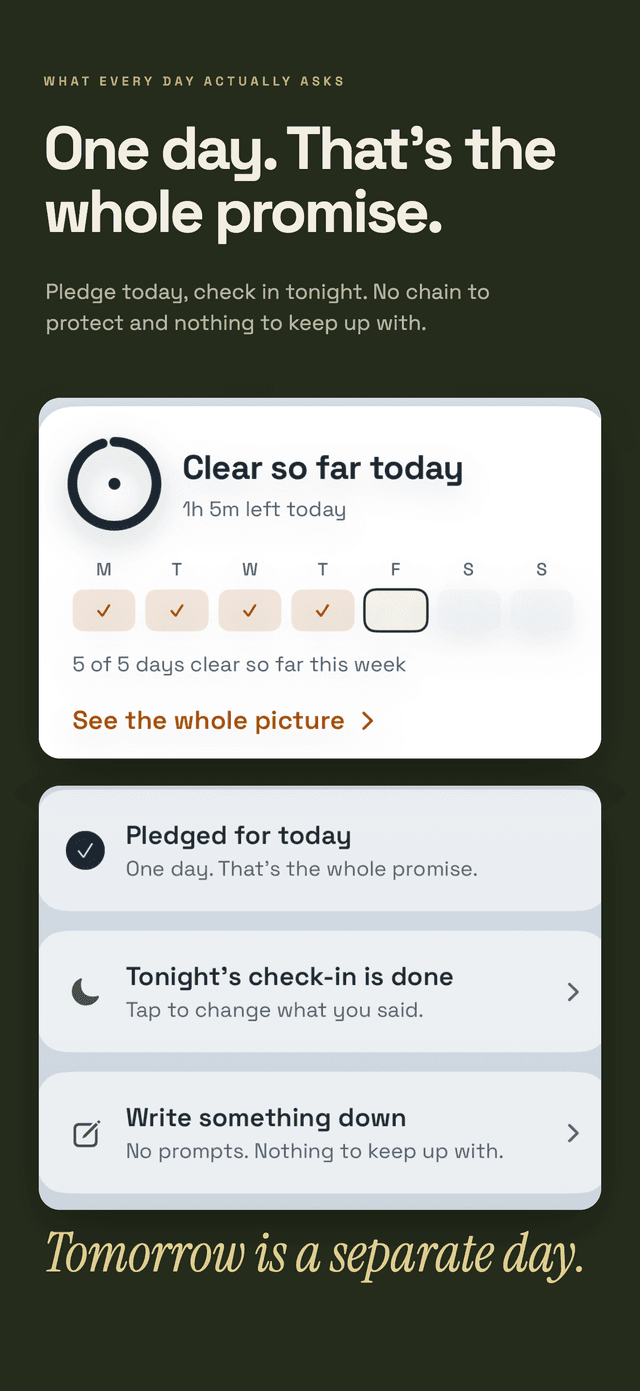
The app’s privacy policy says entered records and forecasts stay on the device. It requires no account and includes no advertising, third-party analytics, social feed, or server-side history. Its App Store page displays the developer-reported label “Data Not Collected,” which Apple states it has not independently verified.
Hard Bit can keep several habits in separate records. The counter, hard-moment flow, personal sentence, logging, journal, milestones, help links, export, and deletion are free. Hard Bit Plus adds the on-device forecast and warning, patterns, calendar, widgets, and short reads.
The forecast makes no prediction below five entries and relies fully on personal history at around 20. Those are product rules, not clinical thresholds or promises about what you will do. The Hard Bit overview explains the workflow, while the privacy policy and support notes document its current boundaries.
Keep privacy from becoming isolation
A private record may make candid logging feel easier. It cannot assess medical risk, debt, coercion, or severe distress.
If you may be physically dependent on alcohol, suddenly stopping after prolonged heavy drinking can cause dangerous withdrawal. Regular benzodiazepine use can also produce serious withdrawal if stopped abruptly. Seek medical guidance before changing either one based on a tracker. A seizure, hallucinations, severe confusion, or another immediate medical danger requires emergency help.
For smoking or vaping, an official quit service or clinician can explain suitable evidence-based support. For gambling, self-exclusion, bank gambling blocks, financial advice, and specialist support may be more urgent than collecting more entries.
Privacy and support can coexist. You decide which details to share, but a private log should not become a reason to face a dangerous situation alone. If you are in immediate danger or thinking about harming yourself, contact emergency services or an appropriate crisis service now.
Our editorial policy explains how health information is separated from product description. More source-reviewed planning articles are available in the Hard Bit guide library.
Frequently asked questions
Does no account mean an app collects no data?
No. It means you do not create a conventional profile. An app can still contact analytics, advertising, support, subscription, or content services. Read its policy and privacy label, then inspect recent network activity.
Is paper more private than an app?
It avoids app accounts, network transmission, and cloud settings. It can still be read, photographed, misplaced, or thrown away by someone else. Choose according to the privacy risk you actually face.
What happens if I delete the app or change phones?
If the record exists only on the device, deleting the app may remove it. Recovery on a new phone may depend on an operating-system backup or an export you created. Check both before deleting or replacing the phone.
Can I keep a private log and still get professional help?
Yes. You can share a short summary, selected dates, or an export without giving someone permanent access to the tracker. A clinician or support service may use that information to understand the pattern, while you retain control of the complete record.